Interior Design
Master these essential software to become a pro interior designer
By Mohit Chakravorty
May 27 2025
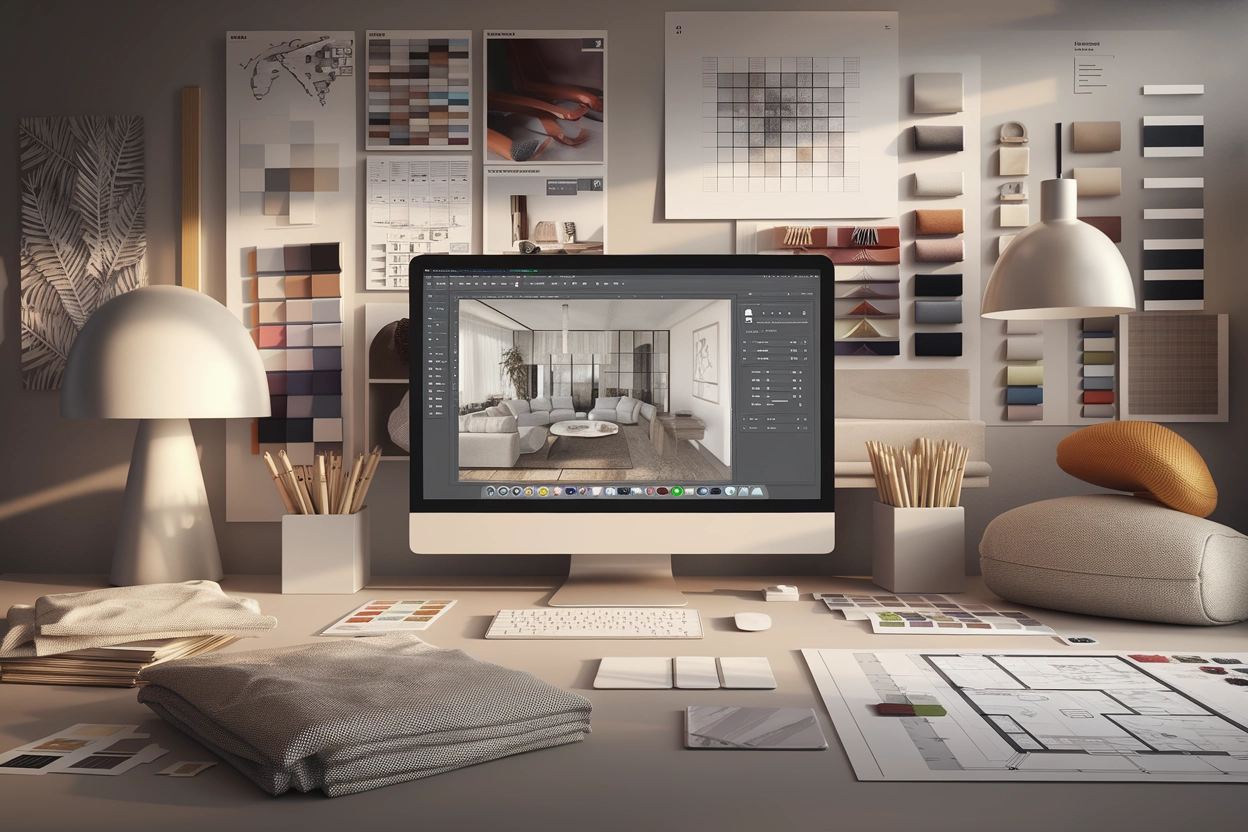
When it comes to mastering interior design, having the right tools can make all the difference. With so many software options available, it’s easy to get overwhelmed. But guess what? You don’t need a bunch of complicated programs to become a pro. By mastering just a few key software tools, you can create stunning designs, from detailed floor plans to eye-catching 3D renders. In this article, we'll walk through the best software for each step of the interior design process, including drafting, 3D modeling, rendering, post-editing, and creating material boards.
Let’s dive in and explore the best and only software you need to master interior design!
Best Drafting Software: AutoCAD
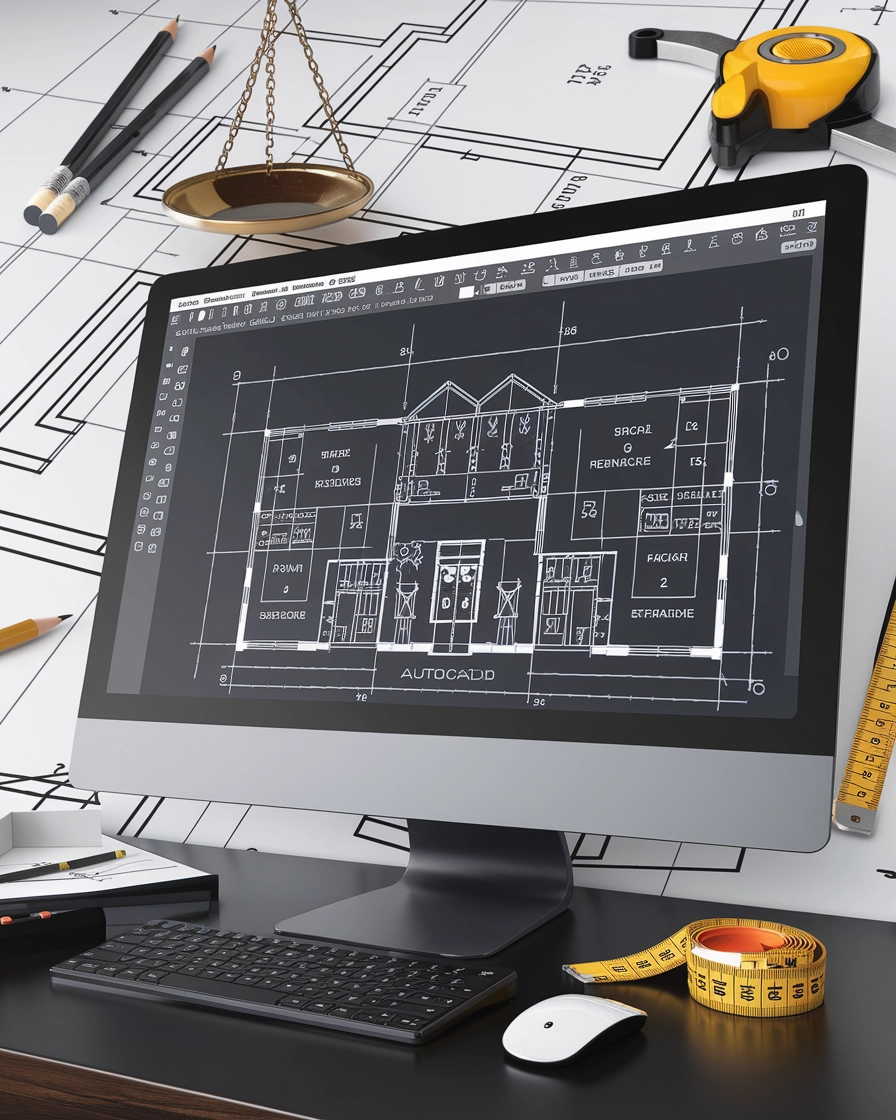
AutoCAD has long been the go-to drafting software for architects and interior designers alike. Whether you're working on floor plans, elevations, or detailed drawings, AutoCAD offers a level of precision that other programs simply can’t match. It's incredibly versatile and detailed, which is why it remains a favorite in the industry.
Why AutoCAD is essential:
Precise Drafting: You can draw floor plans with accuracy to the millimeter, which is critical for ensuring that your designs come to life just as you envisioned.
Detailed Elevations: From window placements to built-in cabinets, AutoCAD allows you to create highly detailed elevation drawings.
Versatile Use: Whether you’re working on a commercial or residential project, AutoCAD has the tools to help you create clear, professional drawings.
AutoCAD might seem a bit intimidating at first, but once you get the hang of it, you’ll realize just how powerful and diverse it really is. Plus, it integrates well with other design software, making your workflow more seamless.
Best 3D Modeling Software: SketchUp
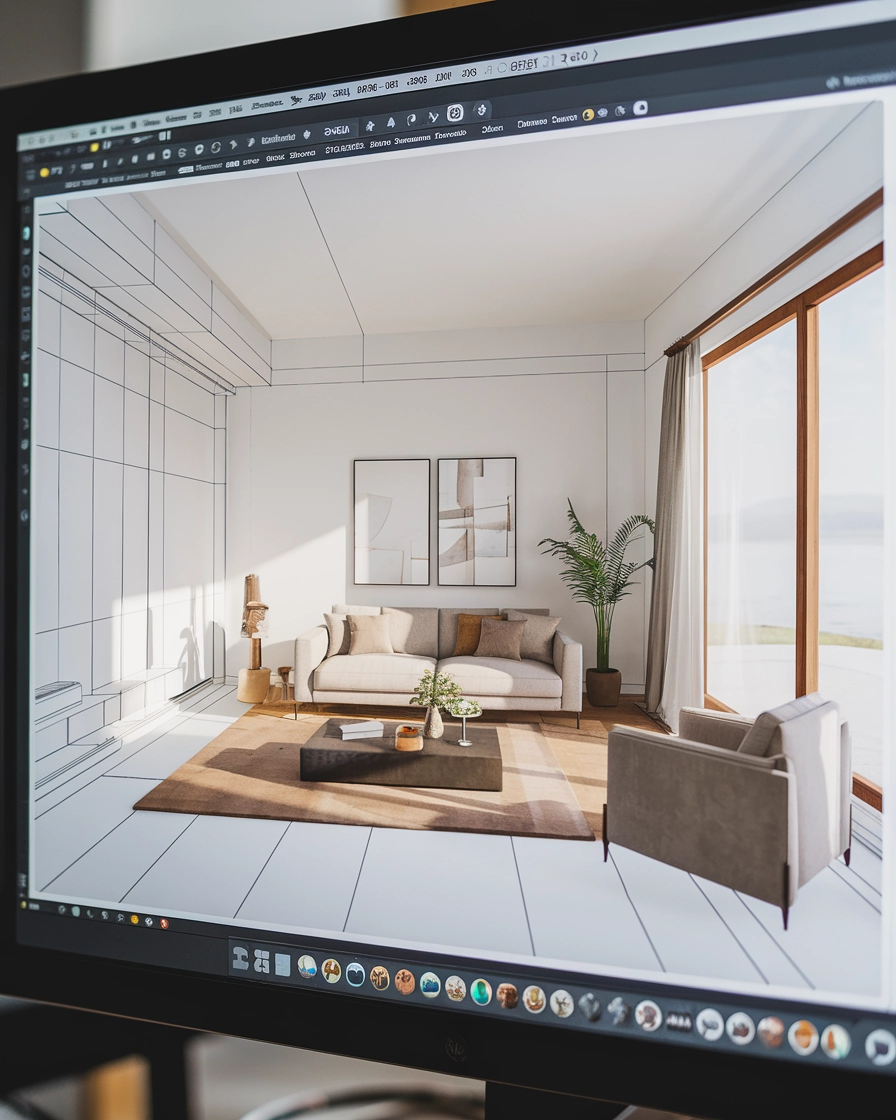
If you’re looking for a simple yet effective 3D modeling software, SketchUp is the way to go. It's popular for its user-friendly interface, which allows you to bring your ideas to life in no time. Whether you’re designing a new kitchen layout or a cozy living room, SketchUp gives you the freedom to experiment with different styles and arrangements.
Why SketchUp is a must-have?
Easy to Learn: Even if you’re new to 3D modeling, SketchUp’s intuitive design makes it easy to pick up in just a few hours.
Handy Tools: From basic shapes to more complex geometry, SketchUp offers all the tools you need to create realistic models of your spaces.
Workflow Flexibility: Learning the right workflow is essential in SketchUp. Once you master grouping, components, and layers, you can manage complex projects with ease.
While SketchUp may be simple, it’s important to understand the proper workflow for efficient modeling. Mastering the use of groups, components, and plugins will speed up your design process and ensure everything stays organized.
Best 3D Rendering Software: V-Ray
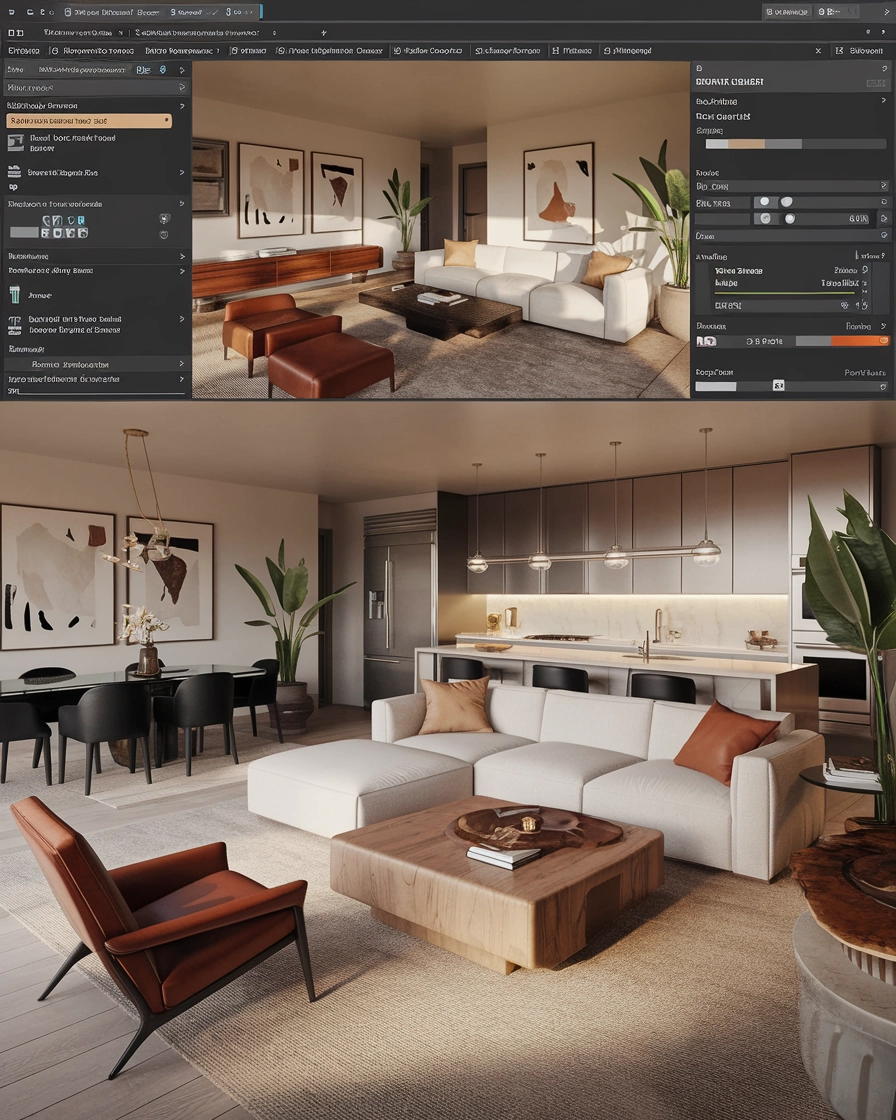
When it comes to producing photorealistic renderings of your designs, V-Ray is the go-to software. It integrates smoothly with SketchUp, making the rendering process simple and straightforward. V-Ray comes with a wide array of pre-loaded materials, textures, and lighting options that allow you to bring your designs to life in stunning detail.
Why V-Ray is worth learning?
Easy Integration: V-Ray works seamlessly with SketchUp, so you don’t have to switch between multiple programs to get your renderings done.
High-Quality Renders: With just a few minor tweaks to the settings, you can produce high-quality, photorealistic images that will wow your clients.
Wide Range of Materials: V-Ray comes with a huge library of pre-loaded materials and textures that you can use to make your designs look as real as possible.
The best part? V-Ray doesn’t require advanced knowledge to create amazing renders. Just by adjusting some basic settings like lighting, textures, and camera angles, you can achieve incredible results with minimal effort.
Best Post-Editing Software: Photoshop
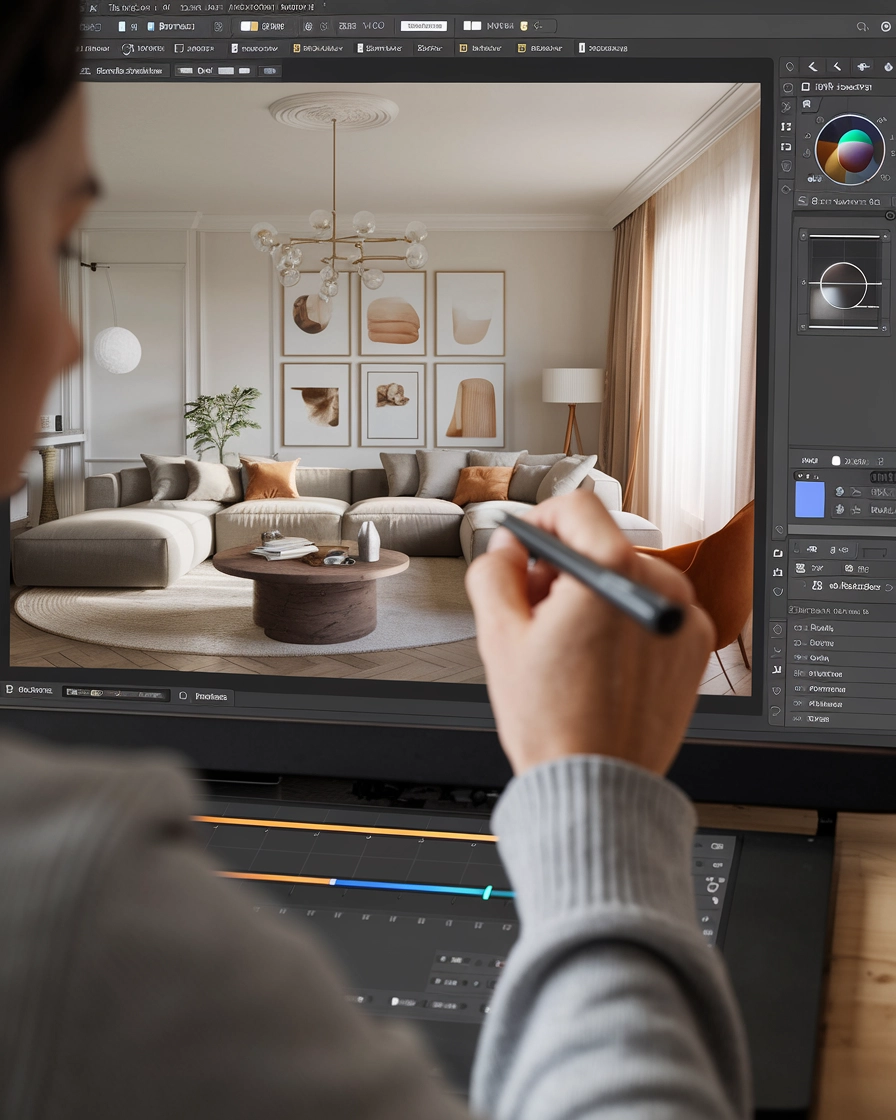
Even with perfect renders, sometimes your images need a little extra touch-up. That’s where Photoshop comes in. Whether you want to adjust the lighting, tweak the colors, or add some final polish to your renders, Photoshop has all the tools you need.
Why Photoshop is a game-changer for designers?
Editing Flexibility: With tools like the Camera Raw filter, you can control elements like shadows, saturation, temperature, and sharpness to get your images just right.
Rendering Floor Plans: Photoshop also makes it easy to render floor plans. With just a few simple steps, you can create clear, visually appealing floor plans that are ready for presentation.
Wide Range of Tools: Whether you need to touch up a render or adjust the brightness of a material board image, Photoshop offers a range of powerful tools to enhance your work.
Photoshop may seem like it's just for photographers, but interior designers will find it incredibly useful for making quick edits to images and floor plans alike. Plus, it’s a great tool for adding that final touch of professionalism to your presentations.
Best Software for Material Boards and Mood boards: Canva
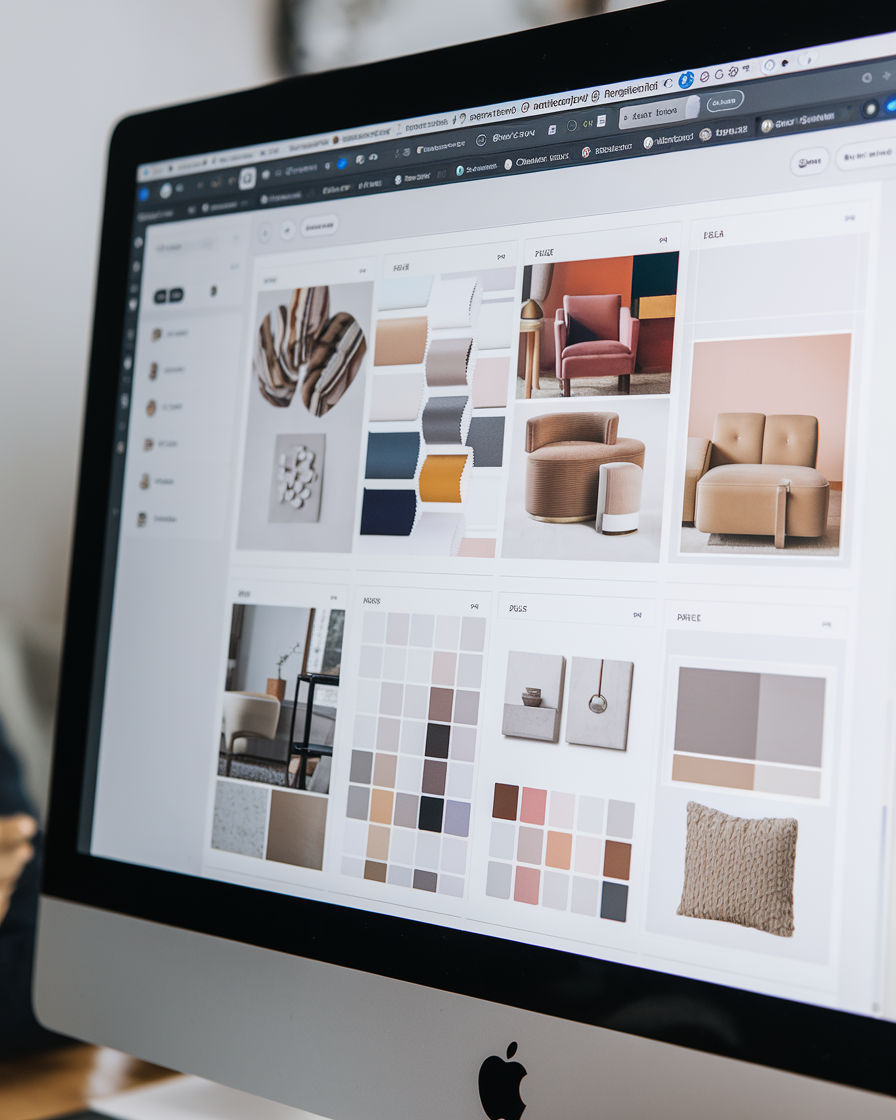
Canva is by far the easiest tool to create material boards and moodboards. Whether you’re designing a presentation for a client or putting together a moodboard for your next project, Canva makes the process a breeze. With its drag-and-drop interface, you can create stunning designs in just minutes.
Why Canva is perfect for interior designers?
Super Simple to Use: You can learn Canva in just a couple of hours, even if you have no previous design experience.
AI Features: Canva has several AI-powered features, like background removal, that allow you to clean up images of furniture and other decor items with a single click.
Presentations Made Easy: You can even use Canva to create design presentations for clients. Just drag and drop images, add text, and you’re ready to present your ideas in a professional format.
With its straightforward interface and growing library of design elements, Canva is perfect for creating visual presentations that are sure to impress clients.
Conclusion
You don’t need a ton of software or programs to master interior design. By focusing on these key tools—AutoCAD for drafting, SketchUp for 3D modeling, V-Ray for rendering, Photoshop for post-editing, and Canva for material boards—you’ll have everything you need to create stunning designs. Not only are these programs easy to learn, but they are also powerful enough to handle any design challenge that comes your way. Mastering these essential tools will elevate your interior design skills and help you create professional, polished work every time.
So, why wait? Start learning these tools today, and you’ll be on your way to mastering the art of interior design!